
Help Center
Get started
Account Setup and Company Verification
This guide covers every step — from registration to approval — so you know exactly what to expect and what to prepare.
6
min.
Reading time
Beginner
Complexity level
Table of Contents
item
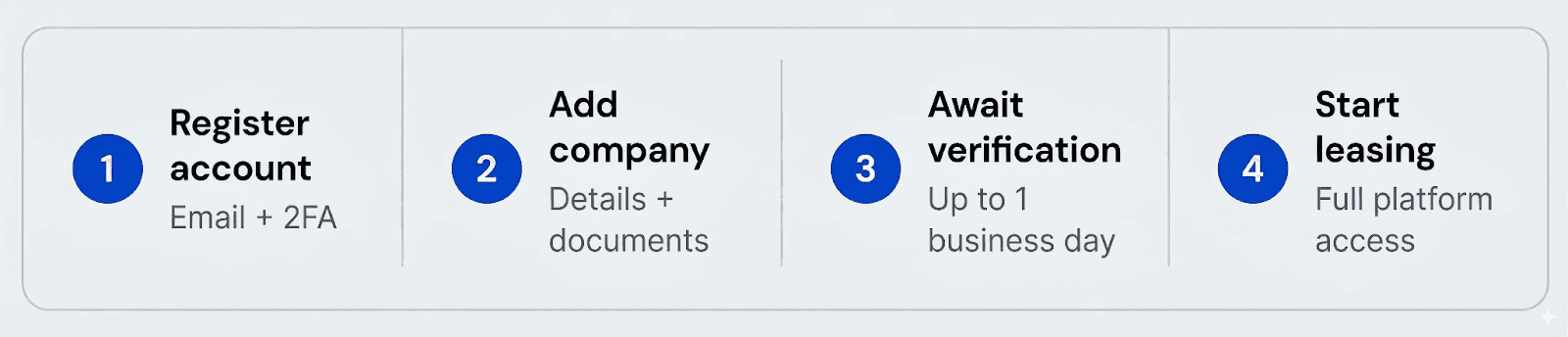
Before you can list or lease IPv4 subnets on IPbnb, you need a verified account and company.
Account registration: 3–5 minutes
Company verification: up to 1 business day
Part 1: Account Registration
Takes 3–5 minutes
Open IPbnb
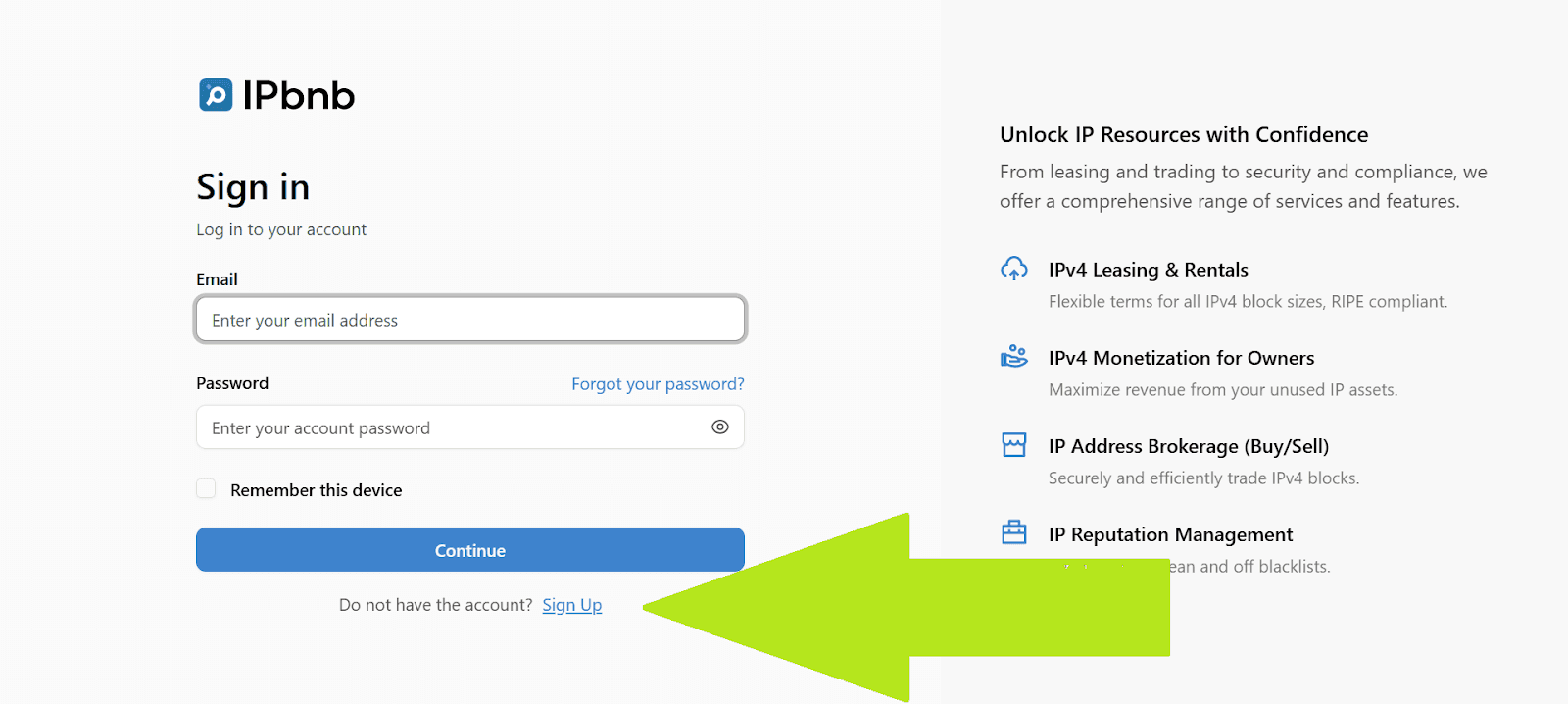
Go to ipbnb.com and click the Sign Up button.
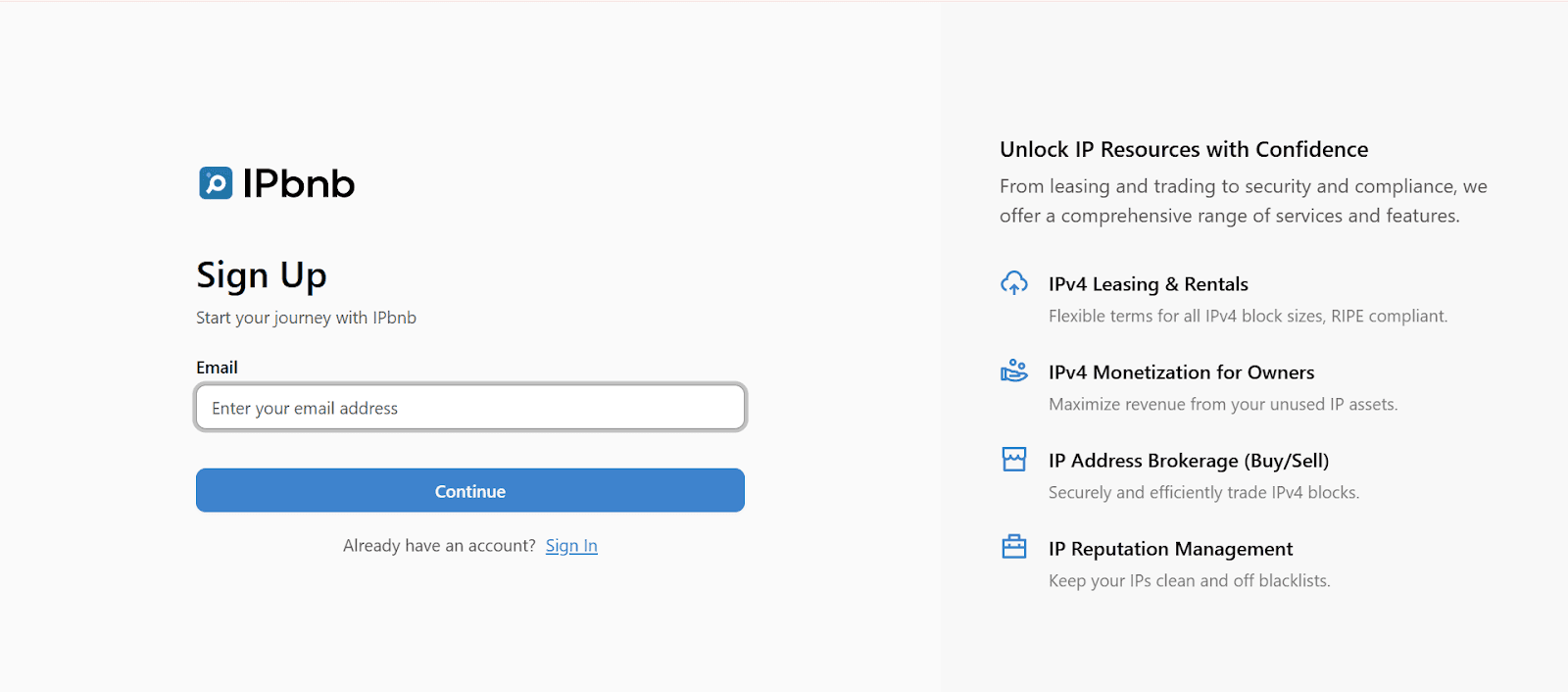
Enter your email address
Use your company email if possible — it helps speed up verification later.
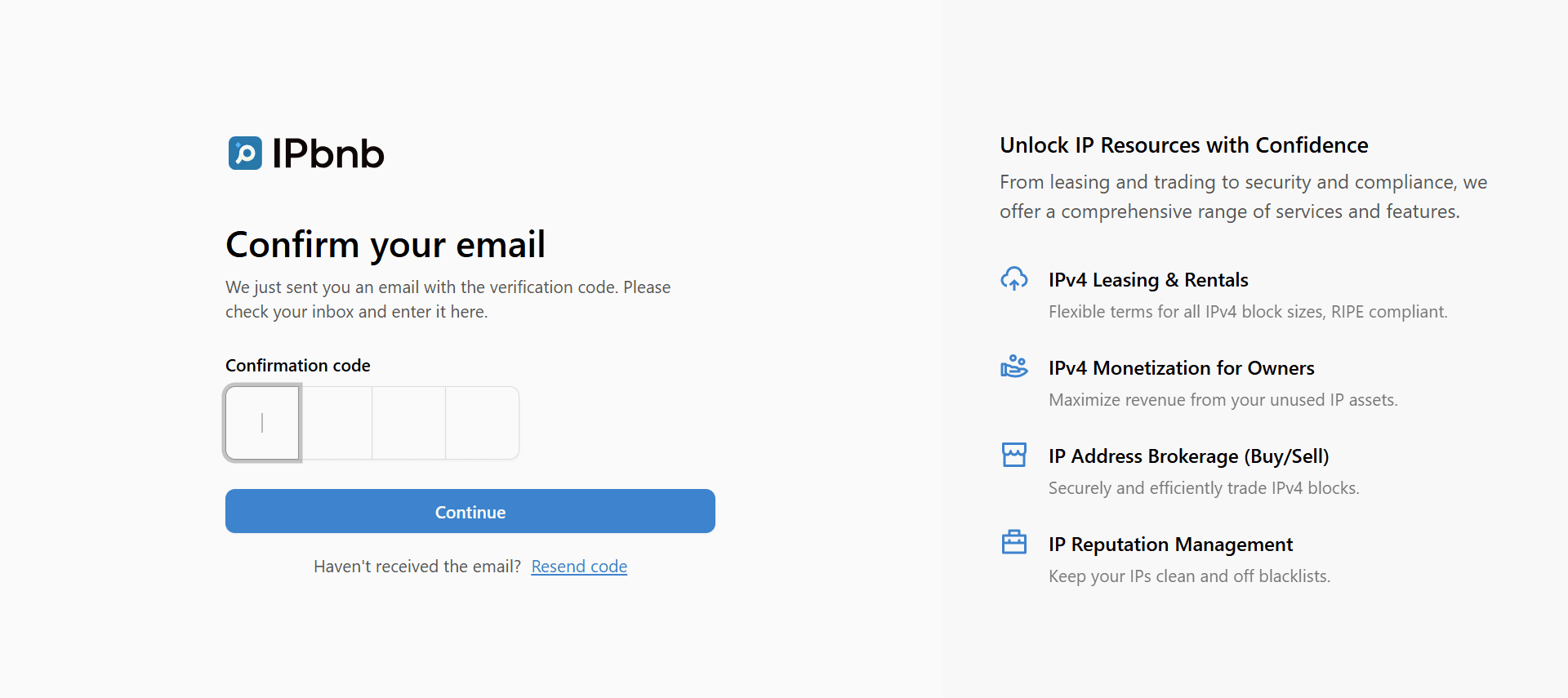
Verify your email
Check your inbox for a verification email from IPbnb. Enter the security code shown on the confirmation page.
Set up two-factor authentication (2FA)
You will be prompted to enable 2FA — this is required for all accounts. Open any authenticator app (Google Authenticator, Authy, or similar), then scan the QR code or enter the code manually.
2FA protects your account and the IP resources you manage on the platform. Keep your backup codes in a safe place.
Complete personal profile
Fill in your personal details and create a secure password:
First name
Last name
Phone number (with country code)
Password (minimum 8 characters, include numbers and symbols)
Confirm password
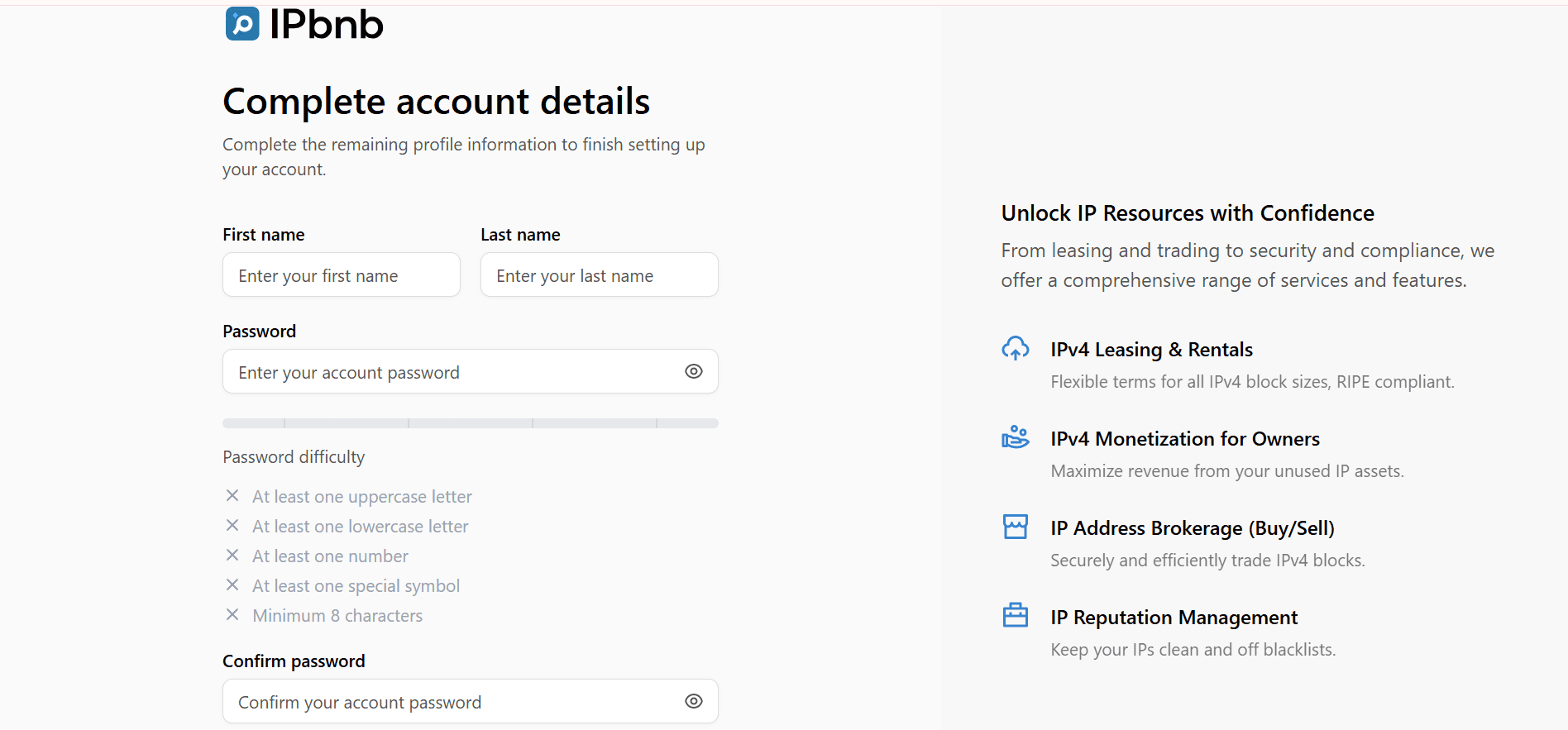
Account alone is not enough. After registration, you are logged in but cannot lease any subnets. You must add and verify your company first — see Part 2 below.
Part 2: Add Your Company
Required before leasing — takes about 10 minutes
Open Company Settings
After registration, you will see a prompt to add your company. You can also reach this page anytime by clicking Company in the left menu, then clicking Add Company.
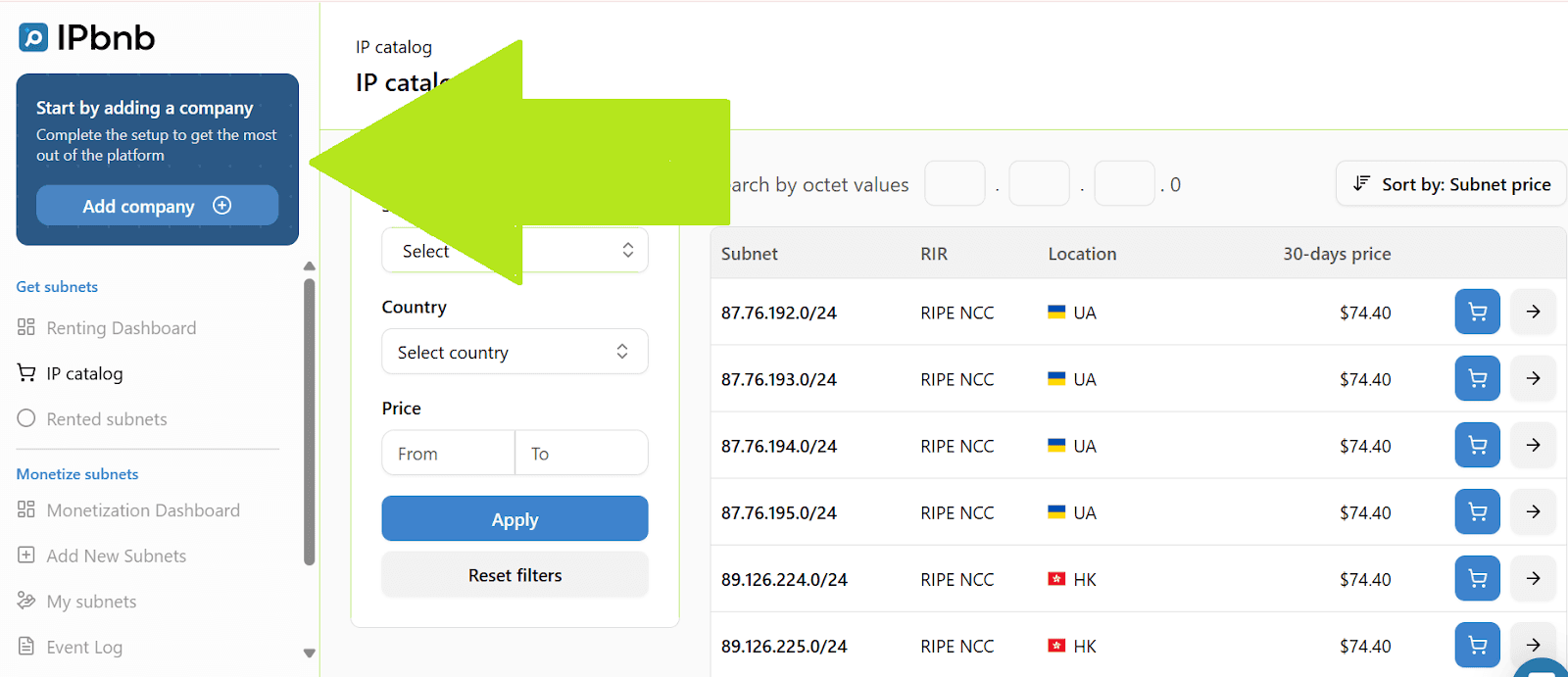
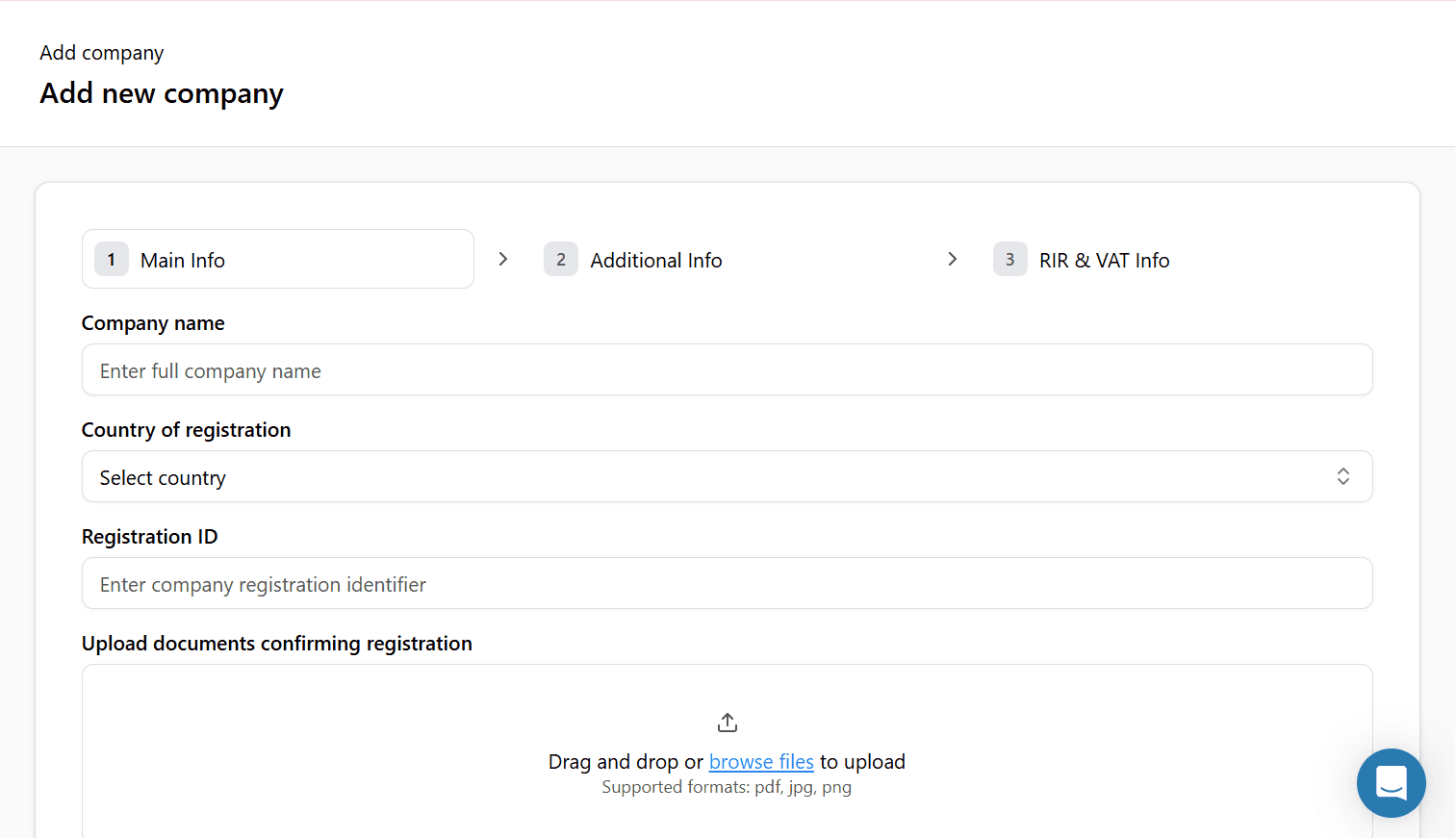
Fill in basic company details
Legal company name
Country of registration
Company registration number
Enter the company name exactly as it appears in your official registration documents. Any mismatch may delay or prevent verification.
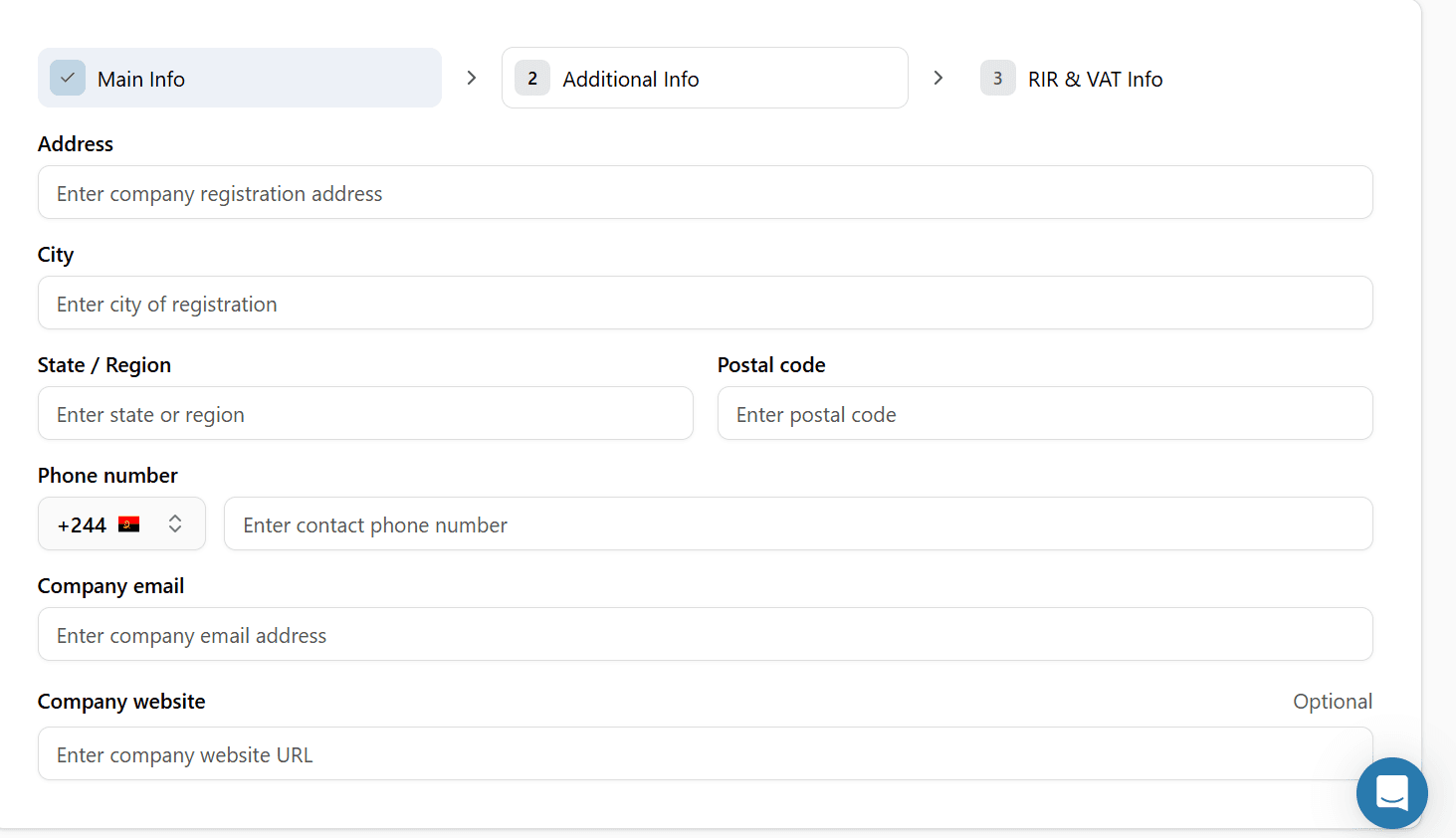
Add contact Information:
Business address (street, city, postal code, country)
Business phone number
Business email address
Website URL (if applicable)
Add tax information:
VAT/Tax ID number
Tax registration country
If your country does not require a VAT or Tax ID, you can skip this field.
Upload required documents
You must upload these documents before submitting. Verification cannot begin without them.
Company registration certificate: Official document confirming your company exists legally
Proof of business address: Utility bill or bank statement — must be dated within the last 3 months
Authorized representative ID: Passport or national ID card of the person acting on behalf of the company
Accepted formats: PDF, JPG, PNG.
Maximum file size: 10 MB per document.
Accepted Terms and Conditions
Read and accept the Terms of Service and Acceptable Use Policy by checking the confirmation box.
Review and Submit
Before clicking Submit for Verification, double-check that all information is accurate and that names and numbers match your official documents exactly.
Part 3: Verification Process
Standard processing: 1–2 business days
What happens after you submit
Submission received
You will see a confirmation message on screen, and a confirmation email will be sent to your registered address. Your company status changes to Pending Verification.
IPbnb compliance review
Our compliance team reviews your submitted information and documents, verifies their authenticity, and confirms your business legitimacy. This typically takes up to 1 business day.
Decision and notification
You will receive an email with the outcome. See the possible outcomes below.
Possible Outcomes
Approved
Your company status changes to Verified. You now have full access to the IP Catalog and can browse, select, and lease subnets.
Additional information required
Our team will contact you by email with specific requests. Submit the requested materials and the review will continue from where it left off.
Clarification needed
You will receive an email with specific questions. Reply to support@ipbnb.com and the review will continue once we receive your response.
During verification period:
You can browse available subnets in the IP Catalog
You can view pricing and geolocation information
You cannot add subnets to cart or complete leases
You cannot make payments
Verification timeline:
Standard processing: 1-2 business days
If additional documents required: add 1-2 business days
Complex cases: up to 5 business days
Expedited verification: If you need urgent access, email support@ipbnb.com with "Urgent Verification Request" in the subject line and explain your business needs.
You're almost ready to lease. Once your company is verified, you can browse the IP Catalog and place your first order.
Related articles