


IP Abuse Check: Is Your IPv4 Block Blacklisted?
Your IPv4 block could be sitting on a blacklist right now, and nothing will tell you unless you go looking. There is no email, no dashboard alert, no warning from your RIR.

Artem Kohanevich
Co-Founder & CEO at IPbnb
Last updated
Table of Contents
item

A block you assume is clean can quietly carry abuse history from whoever held it before you - spam runs, botnet traffic, brute-force scanning - and you only find out when a renter runs their own check and walks away.
That is the difficult part of IP abuse for owners: the damage is already done by the time you see it. A flagged block leases for less, sells for less, and sometimes does not move at all, because anyone serious about renting or buying checks reputation before they sign.
The good news is that checking is fast, free, and something you can do yourself in about five minutes. This guide walks through where IP abuse gets recorded, how to check an entire subnet across the major databases, how to get delisted when something turns up, and how to keep a block clean once it is earning. No theory, no scare tactics - just the steps.
Why IP Abuse Matters for Block Owners
For most owners, an IPv4 block is an income-producing asset. Its value rests on one assumption: that the addresses are clean and deliverable. IP abuse breaks that assumption directly.
A blacklisted block earns close to nothing in lease income. Renters use IPs for email, hosting, VPNs, and outbound traffic that depends on reaching its destination. If a subnet is listed on Spamhaus or scoring high on AbuseIPDB, that traffic gets rejected, and a renter who runs into those rejections in week one does not renew. Renters compare notes, and a block that causes problems for one of them gets harder to lease to the next.
Buyers behave the same way. Reputation screening is now standard due diligence in an IPv4 purchase. A listing discovered during a sale either kills the deal or pushes the price down, and few experienced buyers will accept "we'll clean it after closing."
The detail that catches owners off guard is inherited abuse. You may have done nothing wrong. The block was used by a previous holder, a former renter ran something they should not have, or a single address inside a /24 was compromised years ago and never delisted. The listing outlives the behavior, and it travels with the addresses until someone clears it. Checking is how you find out whether the asset you are about to monetize is actually as clean as you think.
Top IP Abuse and Blacklist Databases
Not every blacklist carries the same weight, and they track different things. These are the ones that actually affect whether your block is usable.
AbuseIPDB is the largest crowdsourced abuse database. Security teams and sysadmins report addresses for port scanning, brute-force attempts, spam, and DDoS participation, and AbuseIPDB aggregates those reports into a Confidence of Abuse score from 0 to 100. A score near 100 means strong agreement that an address is malicious; a score of 0 means nothing has been reported. Crucially for owners, it lets you check an entire subnet in CIDR notation at once, not just single addresses. → abuseipdb.com
Spamhaus is the most influential name in email reputation, and its data drives spam filtering for billions of mailboxes. Spamhaus publishes several lists, combined into a single zone called ZEN:
SBL (Spamhaus Blocklist) - addresses manually listed for spam or cybercrime activity.
CSS - an automatically generated part of the SBL that catches low-quality senders and compromised hosts the other lists miss.
XBL (Exploits Blocklist) - infected machines, open proxies, and botnet nodes. This is also where the old CBL (Composite Blocking List) lives now; the standalone CBL was retired and its data folded into the XBL, so if a tool still references
cbl.abuseat.org, treat it as XBL.PBL (Policy Blocklist) - ranges that should not be sending mail directly to the internet. Being on the PBL is often normal and only worth acting on if you actually run a mail server from those addresses.
There is also the DBL (Domain Blocklist), but that lists domains rather than IP addresses, so it sits outside a pure block check. → spamhaus.org
Barracuda Reputation Block List (BRBL) is widely deployed across enterprise email, including universities, hospitals, and large organizations running Barracuda appliances. It lists single IP addresses flagged for spam-like behavior. If your renters send B2B email, a Barracuda listing quietly cuts off a large slice of corporate inboxes. → barracudacentral.org/rbl
SURBL is worth knowing about, with one caveat: it is URL and domain based, not IP based. It lists domains and links that appear in spam and malware messages, so it only matters for your block if your addresses host web content that ends up referenced in bad mail. For a straight "is my subnet blacklisted" check, it is secondary. → surbl.org
(For a wider tour of reputation tooling beyond blacklists, see our related guide on IP reputation tools and best practices.)
How to Check Your IPv4 Block (Step by Step)
Here is the practical sequence. Run these in order and you will have a clear picture of your block in a few minutes.
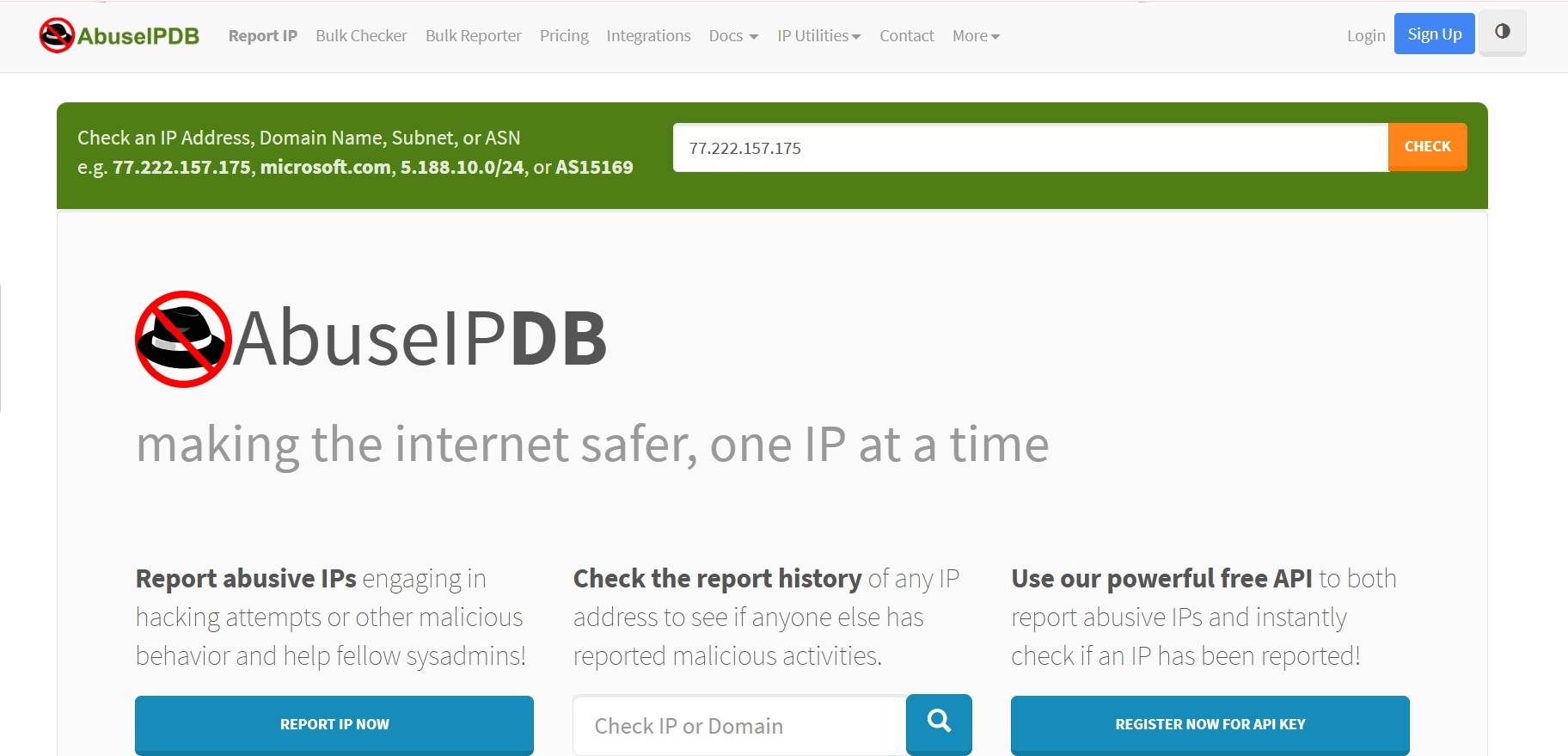
1. AbuseIPDB - check the whole subnet at once. Use the Check Block tool at abuseipdb.com/check-block and enter your range in CIDR notation, for example 203.0.113.0/24. It returns every reported address in the block with its confidence score, so you see problem addresses at a glance instead of testing 256 IPs by hand. A free account covers 1,000 checks per day, which is plenty for periodic audits. One limit to know: the free tier caps the block size you can scan in a single query at /24. For anything larger, scan it in /24 sections or use a paid tier. For a single address, abuseipdb.com/check/[IP] gives the full report history.
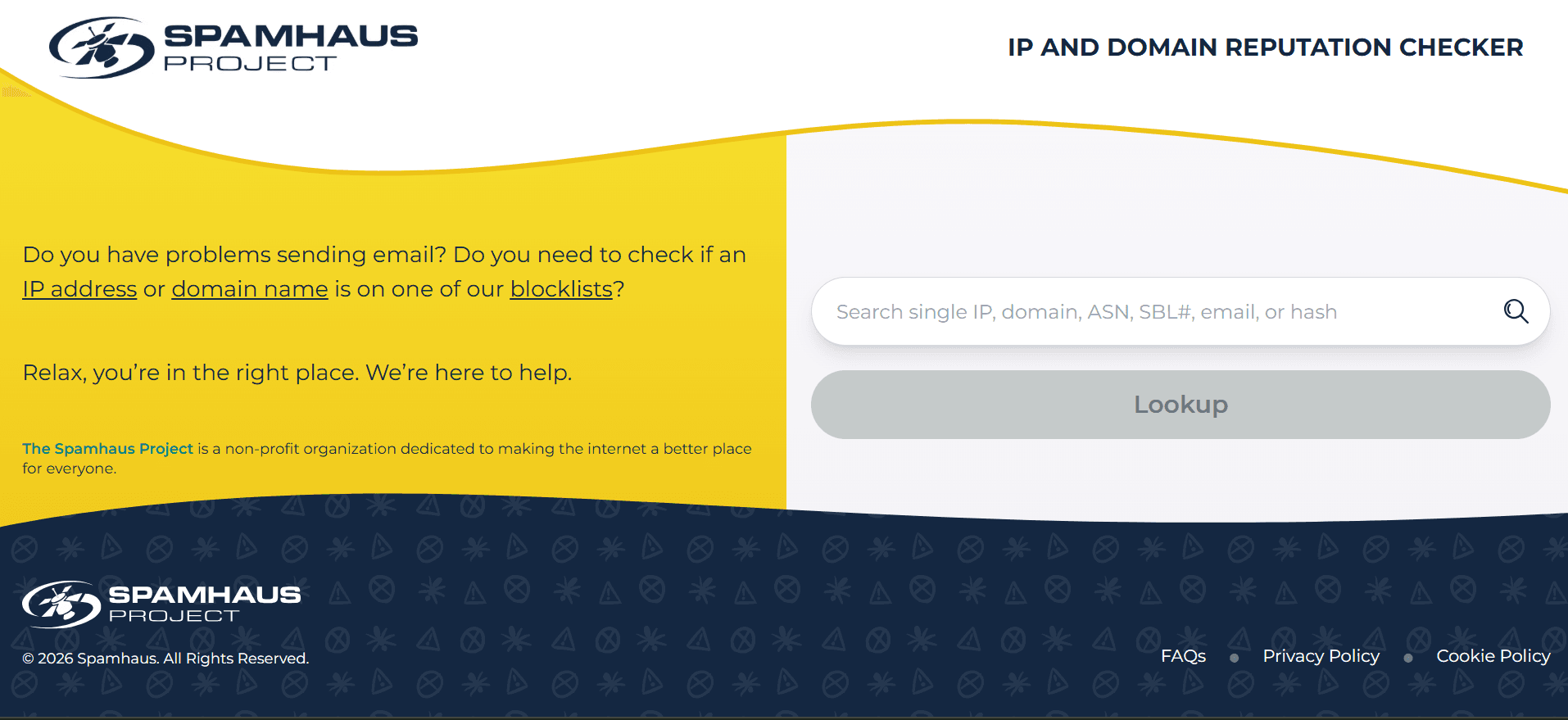
2. Spamhaus - one lookup covers all their lists. Go to the Spamhaus Reputation Checker at check.spamhaus.org and enter an IP. The single search field accepts IPv4, and one lookup shows every Spamhaus listing for that address at once - SBL, CSS, XBL, and PBL together - so you do not need to query each list separately.
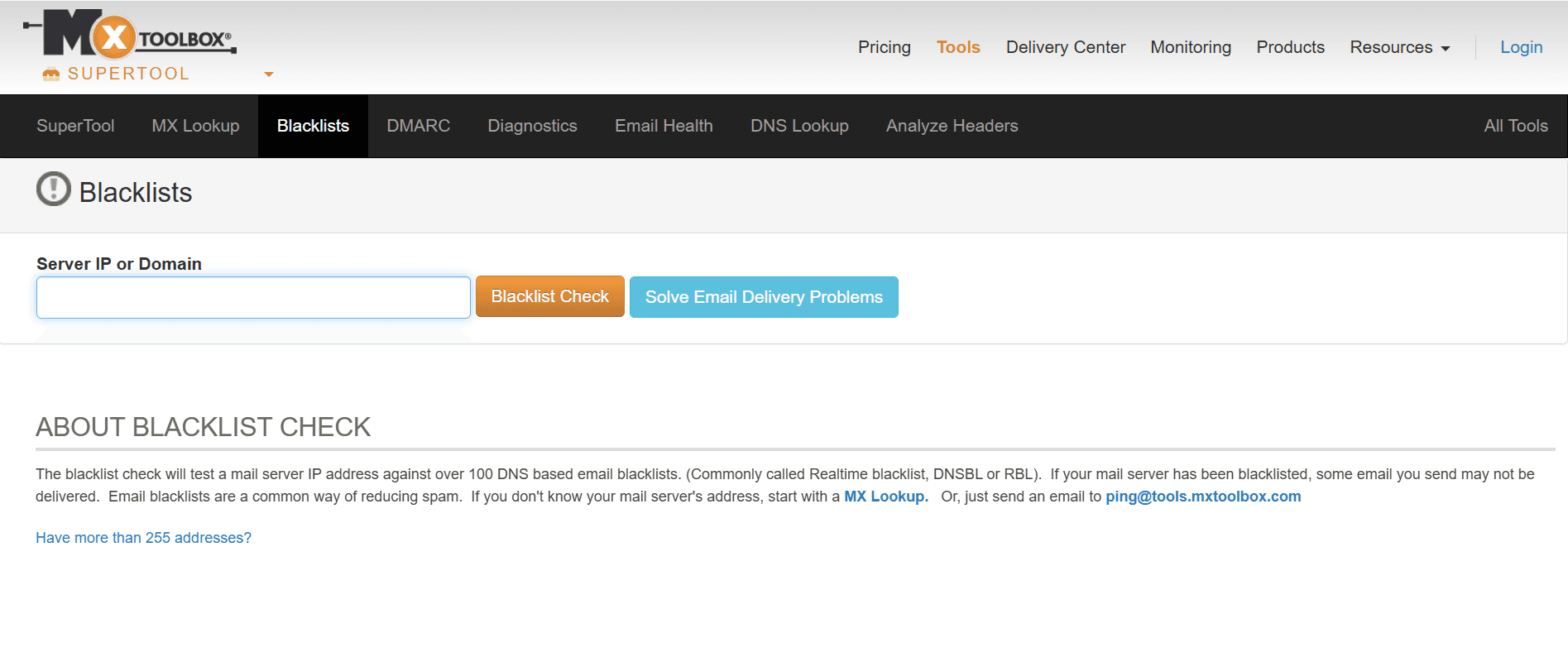
3. MXToolbox - one IP against 100+ lists. mxtoolbox.com/blacklists.aspx scans a single address against around 105 blacklists in one pass and flags every list it appears on. This is the fastest way to catch listings on smaller blacklists you would not otherwise think to check.
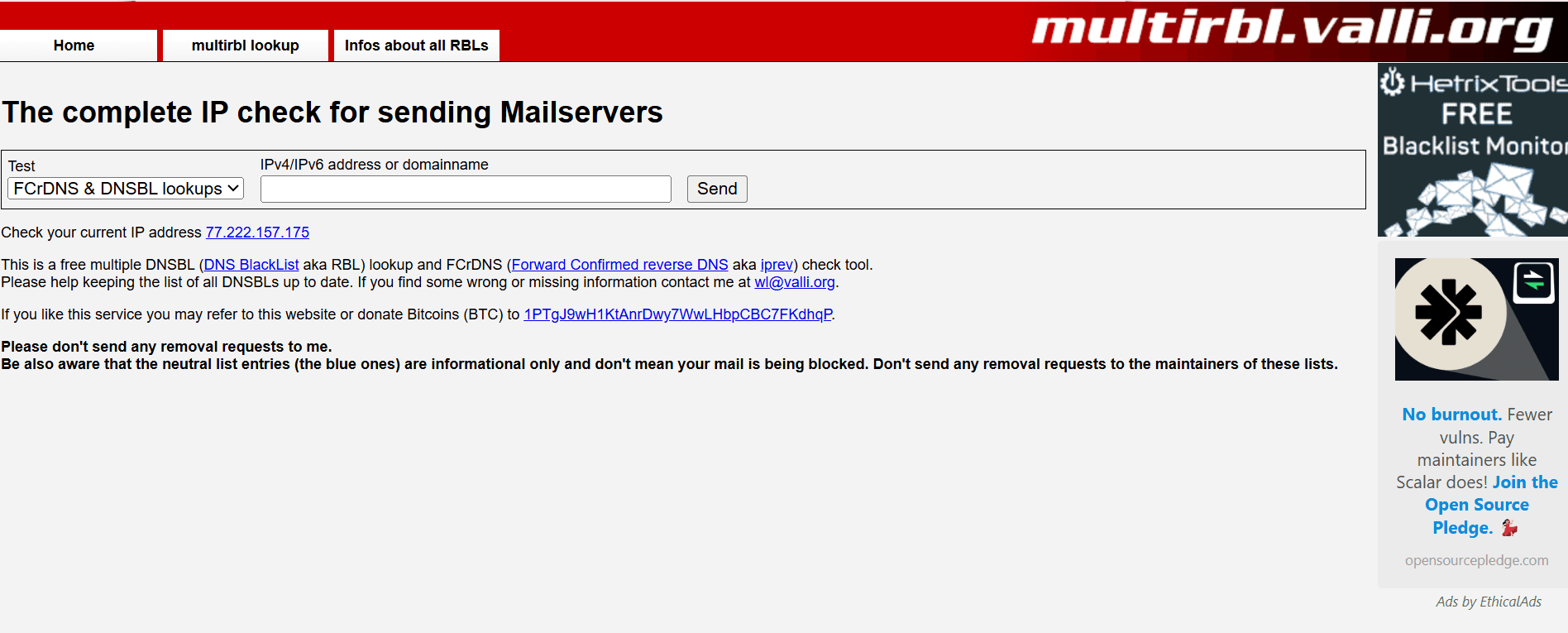
4. MultiRBL (valli.org) - the exhaustive scan. multirbl.valli.org checks an address against 200+ blacklists and also runs forward and reverse DNS confirmations. It is more thorough than MXToolbox and useful when you want certainty that a specific address is genuinely clean.
5. Per-IP DNSBL lookups for the addresses that matter. For any address flagged above, or for the ones you plan to feature in a lease listing, do a direct DNSBL lookup to confirm current status. Checking a full /24 address by address is slow by hand; if you manage several blocks, the AbuseIPDB Check Block API plus a short script will automate the sweep and let you re-run it on a schedule.
A note on reading results: a single listed address inside a large block is not a disaster, and it does not mean the whole subnet is "dirty." It means you have one address to clean before you lease. Treat the check as inventory, not a verdict.
How to Get Delisted
A listing is fixable, but the order of steps matters. Fix the root cause first. If an address is listed because something on it is sending spam or has been compromised, delisting before you resolve that just gets you relisted, sometimes with self-service removal disabled the next time. And to be clear: legitimate delisting is free everywhere. Anyone charging a fee to "remove your IP from blacklists" is selling you something you can do yourself.
Spamhaus. The path depends on which list you are on:
PBL - self-service through the removal center, and often resolved automatically. Only act on it if you run a mail server from the address.
XBL / CSS - self-service through the Reputation Checker, and a single request covers both. Resolve the underlying issue first, then remove.
SBL - not removable by the end user directly. The owner of record (the organization the addresses are registered to) or the responsible ISP has to contact Spamhaus. Responses are typically quick, but resolution depends on the issue being fixed.
AbuseIPDB. There is no "delist" button in the traditional sense. The Confidence of Abuse score decays over time as old reports age out, so a clean address recovers on its own over weeks to months. If reports are inaccurate, you can dispute them through AbuseIPDB's process, and if you control the address you can clear reports you submitted yourself. Disputes resolve faster than waiting for decay.
Barracuda BRBL. Submit the removal request at barracudacentral.org/rbl/removal-request with the server IP, a contact email, a phone number, and a brief reason. Requests are reviewed manually, and a removal that names a specific root cause and confirms it was fixed clears faster than a vague one. Submit once and wait - resubmitting does not speed it up.
Delisting timeline at a glance:
Database | Removal path | Typical timeline |
Spamhaus PBL | Self-service / automatic | Minutes to hours |
Spamhaus XBL / CSS | Self-service after fix | Hours |
Spamhaus SBL | ISP / owner-of-record request | ~24 hours+, depends on resolution |
AbuseIPDB | Score decay or dispute | Days (dispute) to weeks/months (decay) |
Barracuda BRBL | Manual removal request | ~12-24 hours |
These are typical ranges, not guarantees - every one of them assumes the abuse itself has actually stopped.
How to Prevent IP Abuse on Leased Blocks
Checking and delisting is reactive work. The better position is never landing on a list in the first place, which on a leased block comes down to one question: what happens when a renter does something they should not?
If you lease addresses yourself, the answer is "you find out when the reputation damage is already done." A renter who sends spam, runs an open relay, or gets compromised can get your addresses listed within hours, and by the time you notice, the block's value has already dropped. Preventing that means work you have to do continuously: screening renters before handing over a block, watching abuse feeds in real time, reacting fast enough to pull addresses before a listing takes hold, and keeping an abuse contact that someone actually monitors.
This is the part an automated leasing platform handles so you do not have to. When a block is leased through IPbnb, renters are screened before they get access, abuse signals are monitored continuously across reputation sources, and problem traffic can be cut off quickly rather than after the damage spreads - so one renter's mistake is far less likely to quietly damage the reputation of a block you worked to keep clean. It does not erase existing listings or promise a block can never be flagged. What it does is handle the day-to-day abuse exposure for you while the block earns.
IP Abuse Checklist for Block Owners
Run this before you list a block for lease or put it up for sale:
Check every address on AbuseIPDB using the Check Block (CIDR) tool, and note anything scoring above 25 - AbuseIPDB treats lower scores as noise.
Run a Spamhaus lookup per /24 at
check.spamhaus.orgto catch SBL, XBL, CSS, and PBL listings.Verify there are no open proxies or relays on the block - these are the fastest route onto exploit and botnet lists.
Check reverse DNS (rDNS) records so addresses resolve cleanly and consistently, which mail systems expect.
Confirm RPKI / ROA status so your routing origin is valid and the block is not flagged for hijack-like behavior.
Review your abuse@ contact so reports actually reach someone who can act on them.
Document the clean status before leasing - a dated reputation report is a genuine selling point to renters and buyers.
Choose a platform with built-in abuse monitoring so the block stays clean after it leaves your hands.
Demand on these addresses is not slowing down - if anything, ongoing IPv4 exhaustion makes a clean, well-documented block more valuable, not less. Reputation is the difference between an asset that leases at full rate and one that sits unleased.
Get Clean Blocks Earning
A blacklist check takes five minutes. Keeping a block clean for the length of a lease takes ongoing attention - which is exactly what you can hand off.
List clean IPs on IPbnb - we monitor abuse 24/7 so you don't have to. See what a clean block is worth: use our pricing calculator to estimate lease income before you list.